


-
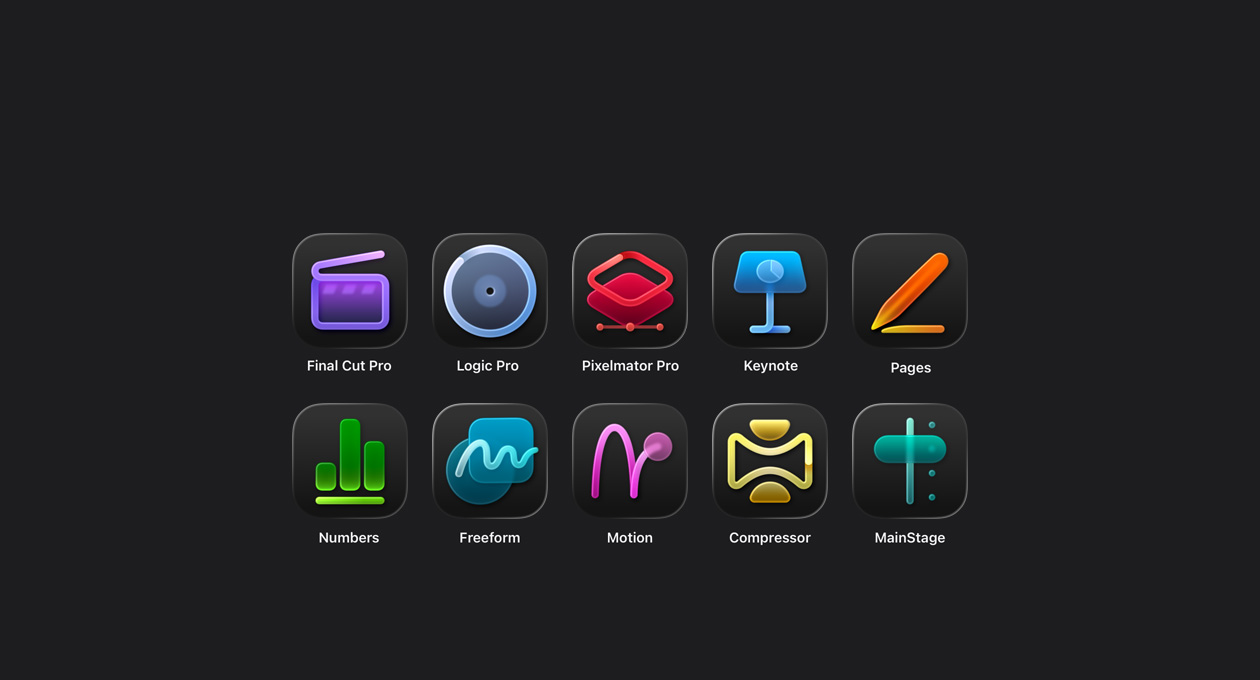
Endless creativity. Unlimited possibilities. One suite deal.
-

Final Cut Pro gives you smarter, faster ways to craft and cut captivating videos.
-

Pixelmator Pro lets everyone edit images and create striking graphics using powerful intelligence.
-
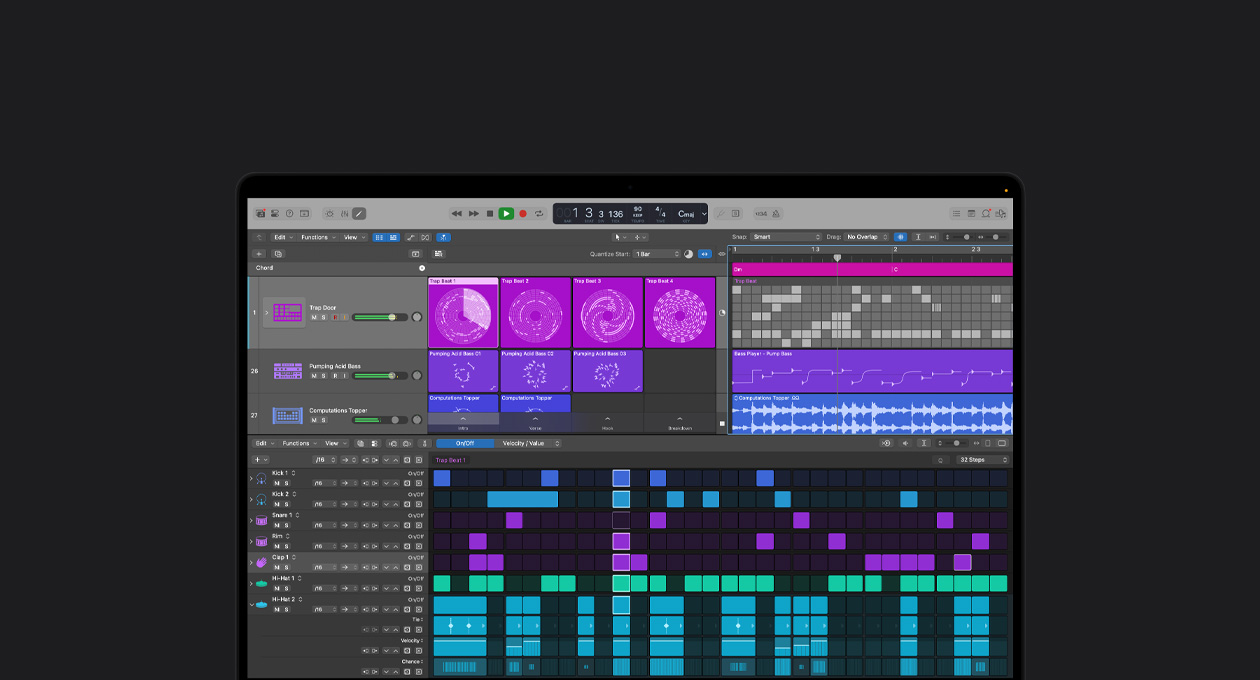
Logic Pro helps you produce music and perfect audio — bringing brilliance to every beat.
-

Intelligent features and premium content amp up productivity in Keynote, Pages, Numbers, and?Freeform.1
-

New subscriber
-

Students and educators
-

New devices


Final?Cut?Pro
The ultimate
video
creation experience.
Craft with power and precision using Final?Cut?Pro on Mac and iPad. With intuitive tools designed to elevate every frame, your vision moves from concept to cinematic story at the speed of thought.
Learn more about Final Cut Pro-
Start-to-finish performance.
Shoot pro-level footage with complete control in Final Cut Camera on iPhone.6 Then edit on iPad or Mac with powerful and approachable tools and effects, fine-tune the audio, and share your finished story — all in one seamless?flow.

-
Instantly find the moment you’re looking for.
Track down a shot without scrubbing through footage using Visual Search7 and locate the perfect sound bite with only a few keywords using Transcript Search.8
Available in U.S. English.

-
Video editing with speed and flexibility.
The Magnetic Timeline lets you move and trim freely while maintaining synchronization so you can explore endless creative possibilities. Connected Clips and storylines hold your edit together. Multicam helps you cut the perfect interview. And Auditions let you find the best take.

-
Perfect timing, every time.
Beat Detection matches your music’s rhythm so you can align clips effortlessly and keep your edits in sync with the?beat.

-
Beautiful, customizable graphics.
Add professionally designed motion graphics to your project with Motion in Apple?Creator?Studio, or select graphics from third-party providers like MotionVFX, FxFactory, and more.9

-
Fast delivery.
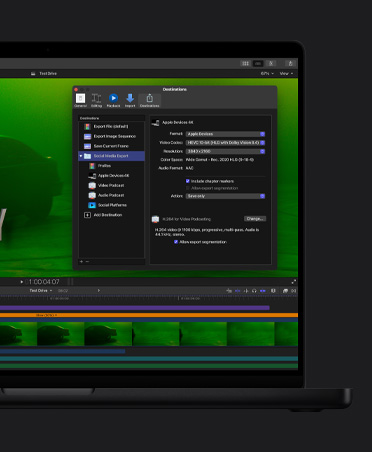
Quickly batch export files that are optimized for any size — from your iPhone screen to the big screen. You can even use Compressor to customize export settings using a variety of pro formats.



Pixelmator Pro
Creative imaging and design.
Made for everyone.
Edit and design using intelligent tools that bring your vision to life. From social posts to billboards, Pixelmator Pro simplifies every step of your projects. Effortlessly customize vector designs or typography, then let powerful features help your imagination take shape.
Learn more about Pixelmator Pro-
Speed up your workflow.
Intelligent features automate image edits like background removal, image repair, detail enhancement, color adjustment, and more.

-
Layering without limits.
Use simple building blocks — shape, text, video, and image layers — to create virtually anything you can imagine. Add effects, adjust composition, and experiment freely with nondestructive editing, knowing every change is reversible.

-
Stunning templates and mock-ups.
Start working from professionally crafted templates and beautiful mock-ups for social media and print.

-
Typographic control.
Use any font and customize your text with everything from sophisticated styles to curved paths. Preview it live and save your favorite styles as presets.

-
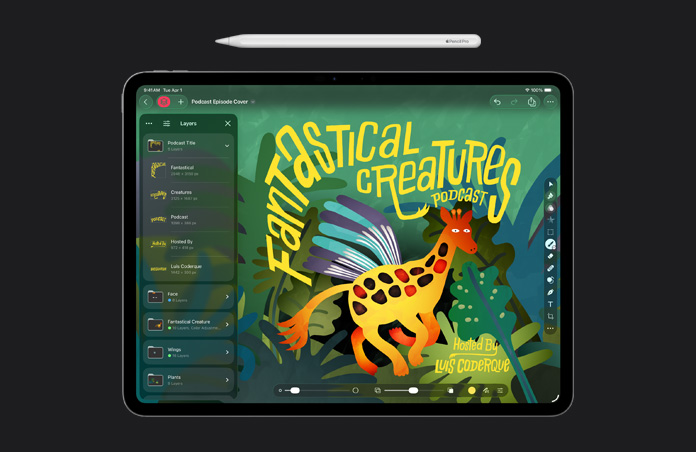
Fully optimized for touch on iPad.
Use natural gestures for fast, fluid onscreen interactions. And with Apple Pencil, you can edit with even more precision, so your creative work is smooth and intuitive.10


Logic Pro
The fast track to the final mix.
Wherever you go.
Create with intelligent Session?Players, cutting-edge beat-making tools, and a massive Sound?Library — seamlessly across Mac and iPad.11 Logic?Pro makes music production easier than?ever.
Learn more about Logic Pro-
Music production with AI Session?Players.12
Produce with a full band of musicians that can lay down polished synth, bass, keyboard, and drums that adapt in real time to your musical style.

-
From idea to final master, fast.
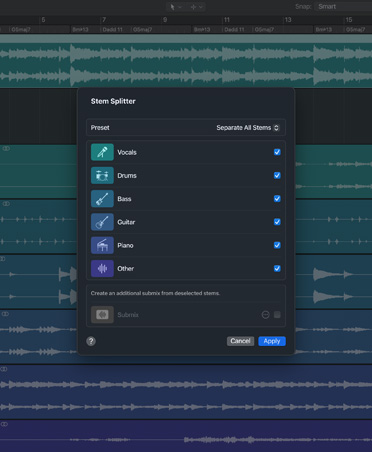
Supercharge your workflow with intelligent tools, like Stem?Splitter and Mastering?Assistant, to help you fine-tune your creative process so you can produce, refine, and finish in no time.
-
Record drafts on the go.
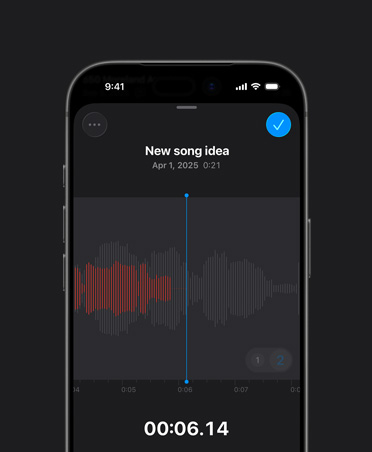
Voice Memos lets you record anywhere using your iPhone, iPad, Mac, or Apple?Watch. Then bring your recording straight into Logic?Pro to take your music to the next level.
-
Beat-making tools.
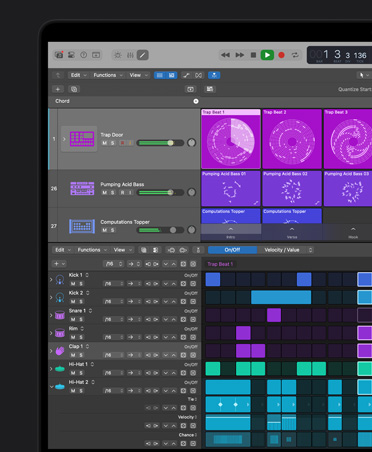
Build custom drum kits with any samples or instruments, then easily reshape melodies and rhythms with Step?Sequencer and craft the perfect beat.

-
Massive Sound Library.
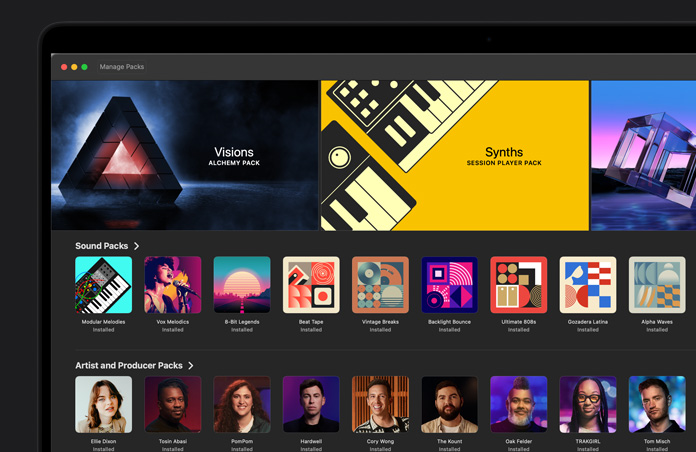
From loops to samples to patches, get thousands of royalty-free sounds in an ever-growing collection, so you can build tracks without boundaries.
-
Instruments and effects.
Dial up authentic vintage keyboards or powerful modern synths to give your tracks a distinctive vibe. And explore a complete suite of effect plug-ins for detailed sound shaping and mixing.


Go from idea to done.
In a snap.
Powerful intelligence helps you get more done in Keynote, Pages, Numbers, and Freeform.1, 2 As an Apple?Creator?Studio subscriber, you get access to a wide range of high-quality content and new AI capabilities to help with your?projects.
-
Quickly put together presenter notes.
Generate notes for any slide using insights from your entire presentation. They’re added to your existing notes and can be easily fine-tuned with Writing Tools.

Available in Keynote in beta
-
Generate slides automatically.
Keynote can intelligently turn any outline into a cohesive slide deck, complete with presenter notes.

Available in Keynote in beta
-
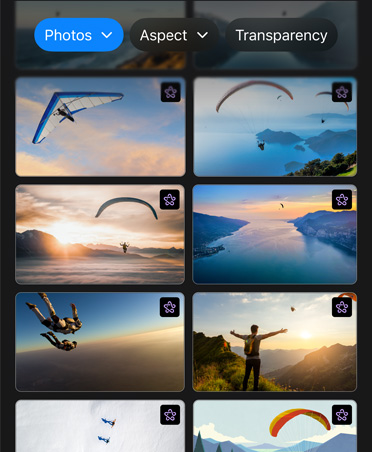
Access high-quality media from the Content Hub.
Tap into a variety of Apple-curated photos, illustrations, graphics, backgrounds, and more — without leaving your apps.
Available in Keynote, Pages, Numbers, and Freeform
-
Advanced image creation and editing.
Make and remix images, illustrations, and graphic elements right in your documents.2 Super?Resolution lets you upscale images?while preserving details, and Auto?Crop gives you suggestions for the best look.

Available in Keynote, Pages, Numbers, and Freeform
-
Get a head start with beautiful templates and themes.
All you need to create everything from event posters to storyboard decks, with multiple layouts and full?customization.

Available in Keynote, Pages, and Numbers
-
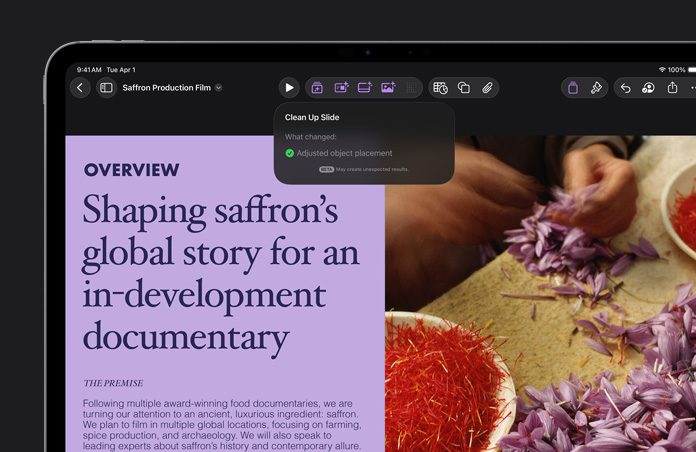
Clean up your slides.
Refine and deliver presentation-ready designs with ease. Keynote can automatically correct layout, typography, and alignment issues with a single tap or click.
Available in Keynote in beta
-
Complete your sheet with Magic Fill.
Get suggested contents or generate formulas for empty cells based on recognized patterns in nearby data.

Available in Numbers