
Pixelmator?Pro
Picture perfect.
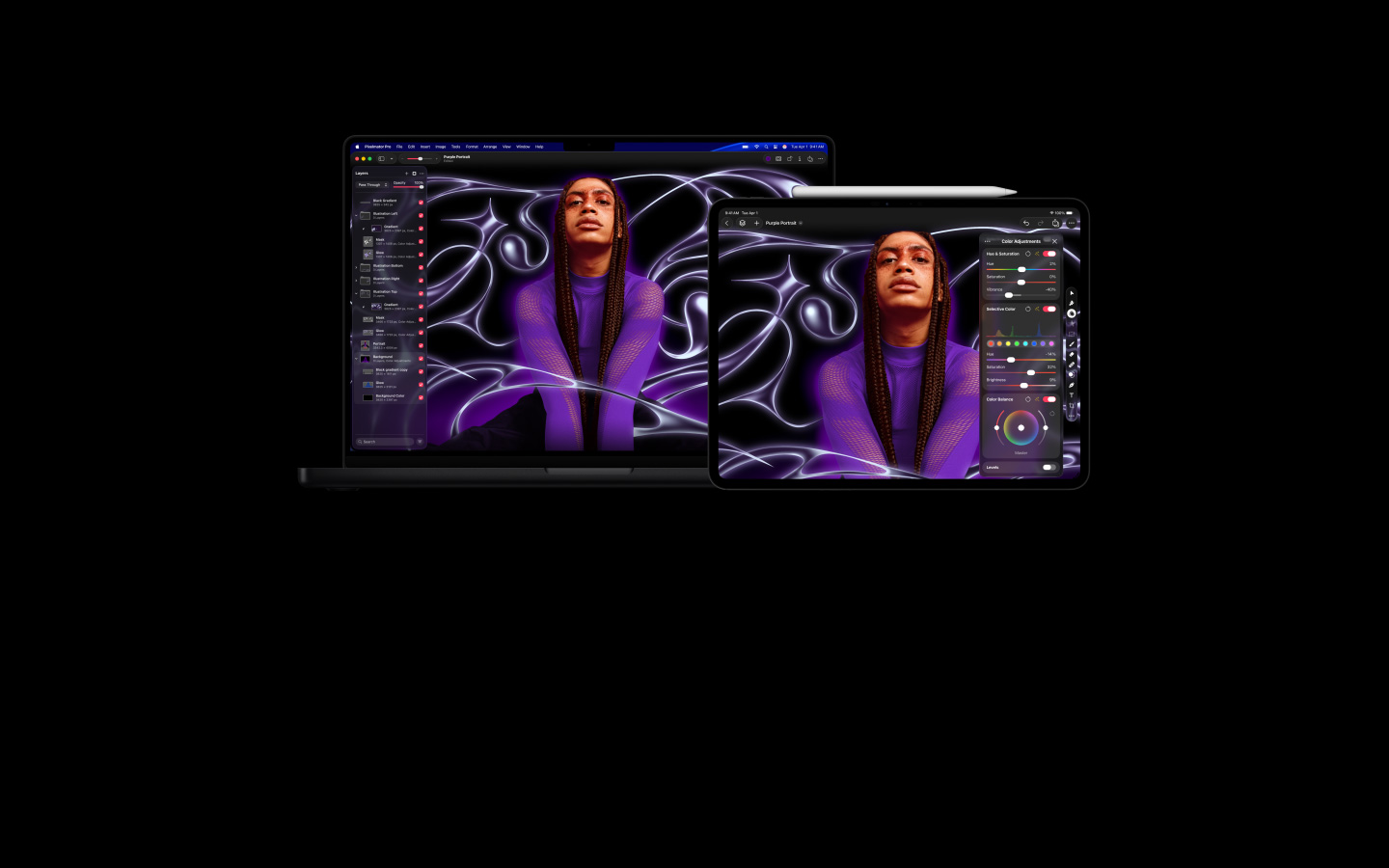
Pixelmator?Pro makes it easy to edit images and create striking graphics across Mac and?iPad. It’s packed with powerful AI features that build on Apple Intelligence, and it works in concert with the other amazing apps in Apple?Creator?Studio.1

Apple Creator Studio A suite deal for any?creator.
Pixelmator?Pro is part of Apple Creator Studio, the essential collection of creative apps that includes Final?Cut?Pro, Logic?Pro and?more.

Pixelmator?Pro for Mac is also available as a one?off purchase on the App?Store
-
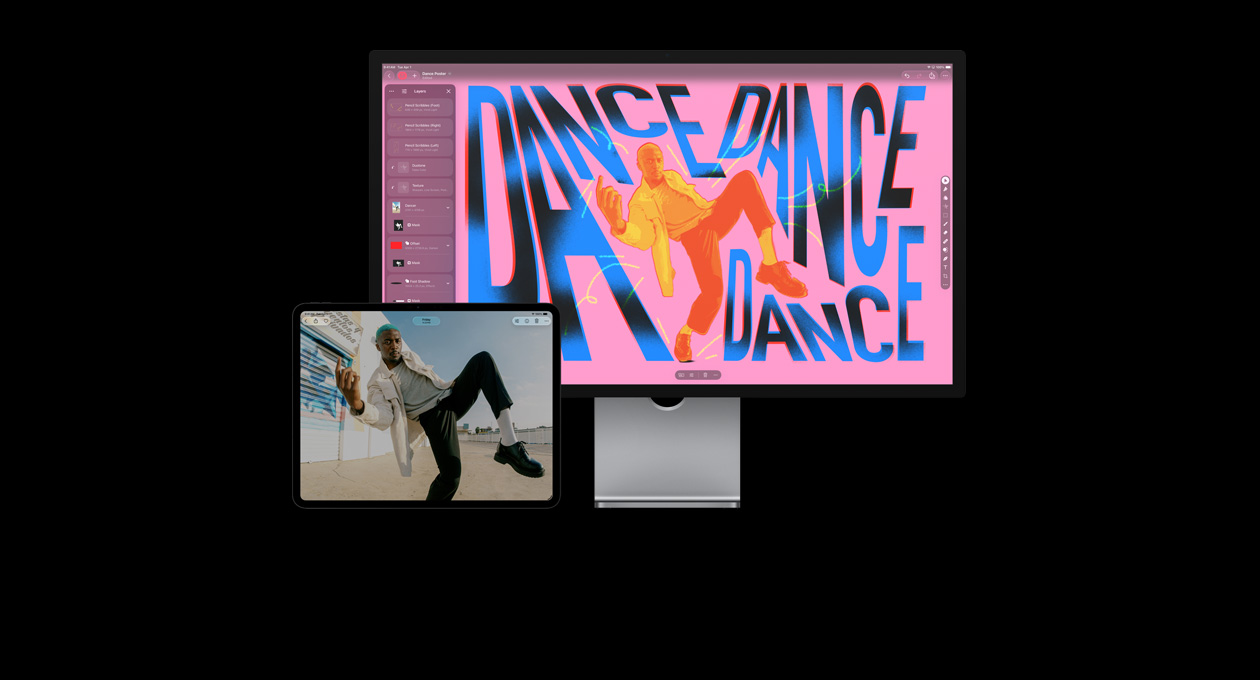
An incredibly advanced yet intuitive tool for creative?imaging.
-


Simplify workflows and speed up creativity with powerful intelligence features.
-
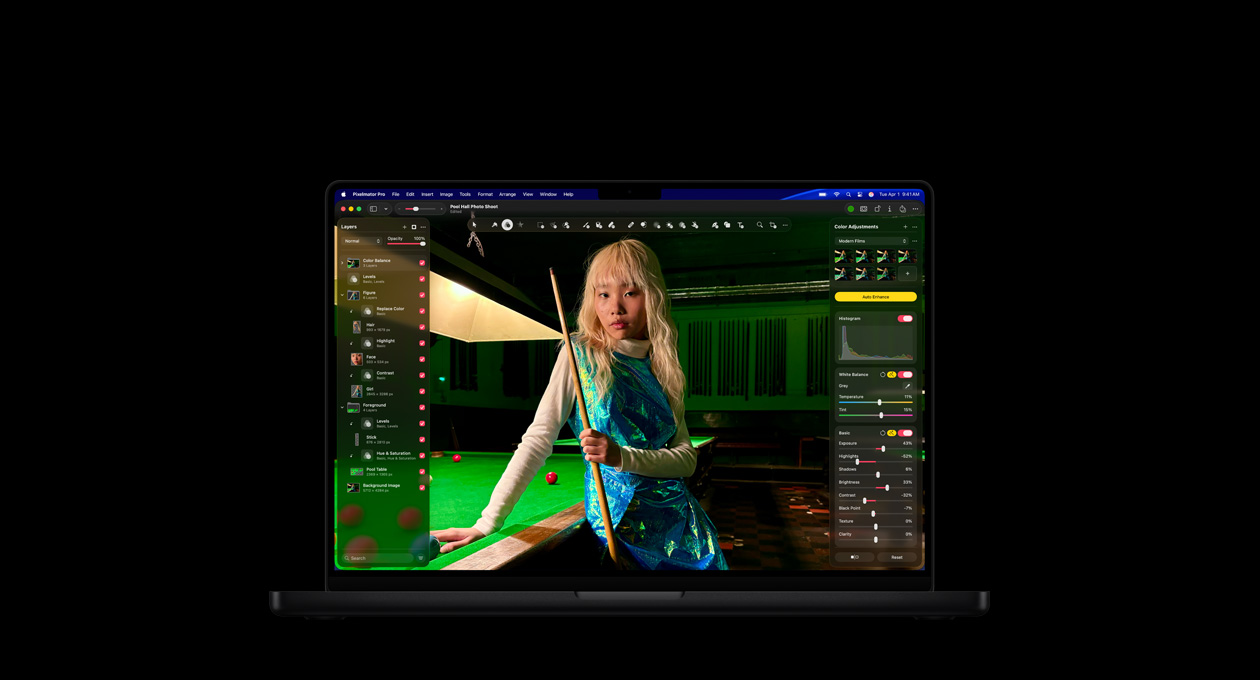
Create and edit visuals with pro-level quality — without the?complexity.
-
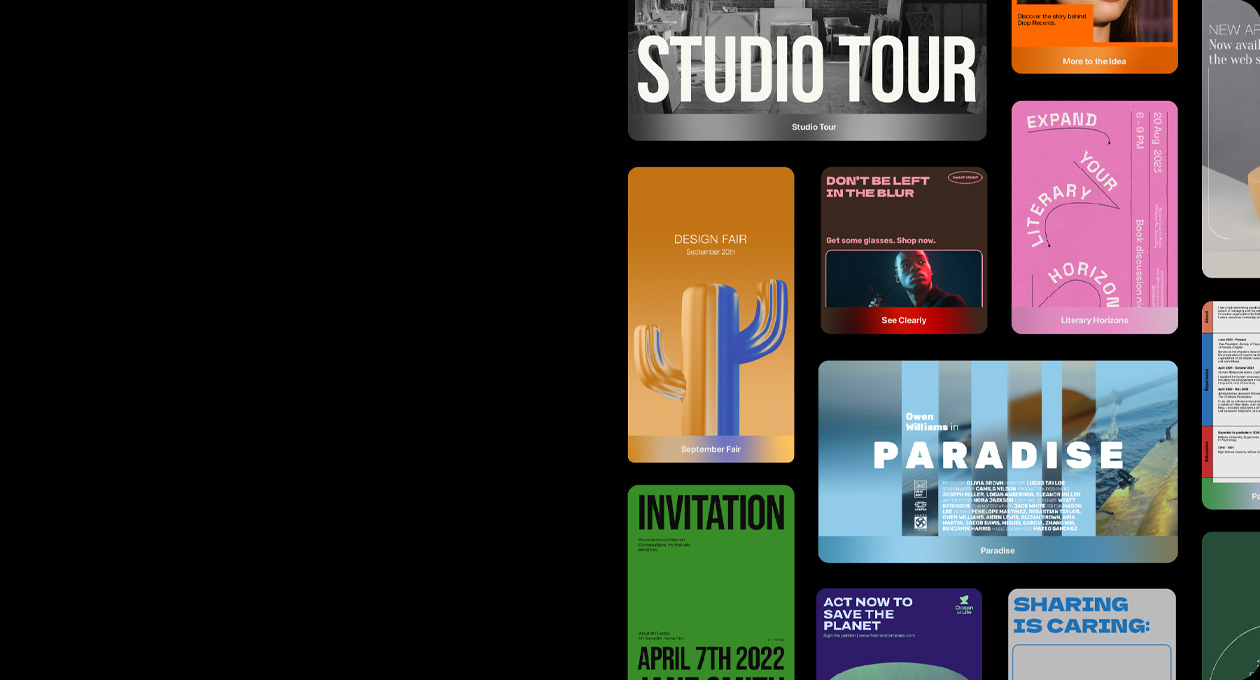
Jump-start your ideas?with?
beautiful, professionally designed, fully?customisable templates. -
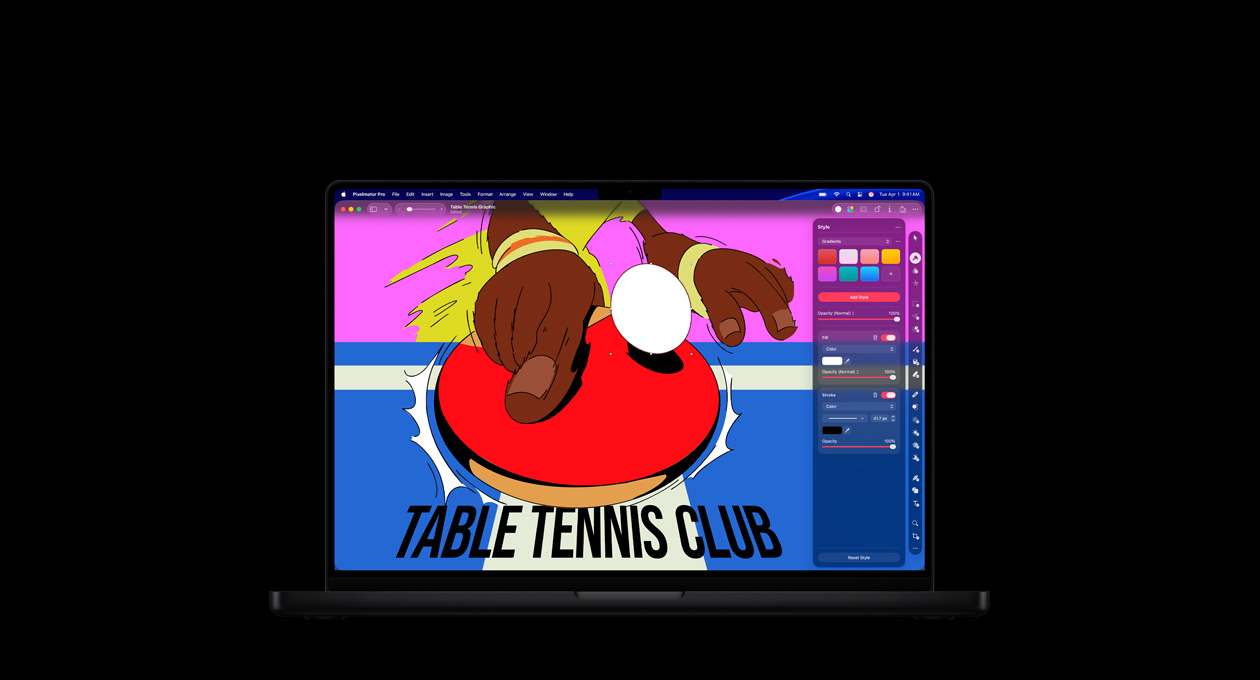
Scale graphics to any size with a vast collection of powerful vector?tools.
-

Design and edit effortlessly wherever you are, on Mac or?iPad.

-
Layering for endless possibilities.
With non-destructive editing, use effects, fills, strokes and shadows freely, and easily revert without affecting image quality if you change your?mind.

-
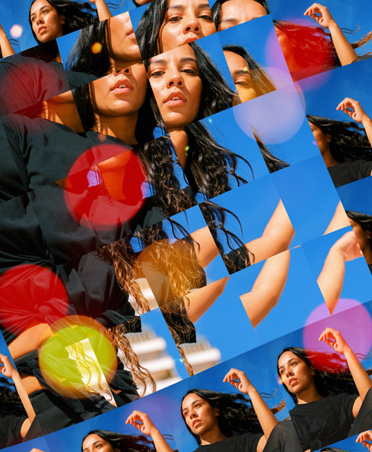
Over 60 versatile effects.
Mix and match effects like Blur, Distortion, Sharpen, Tile, Halftone and many more to get the style you?want.
-
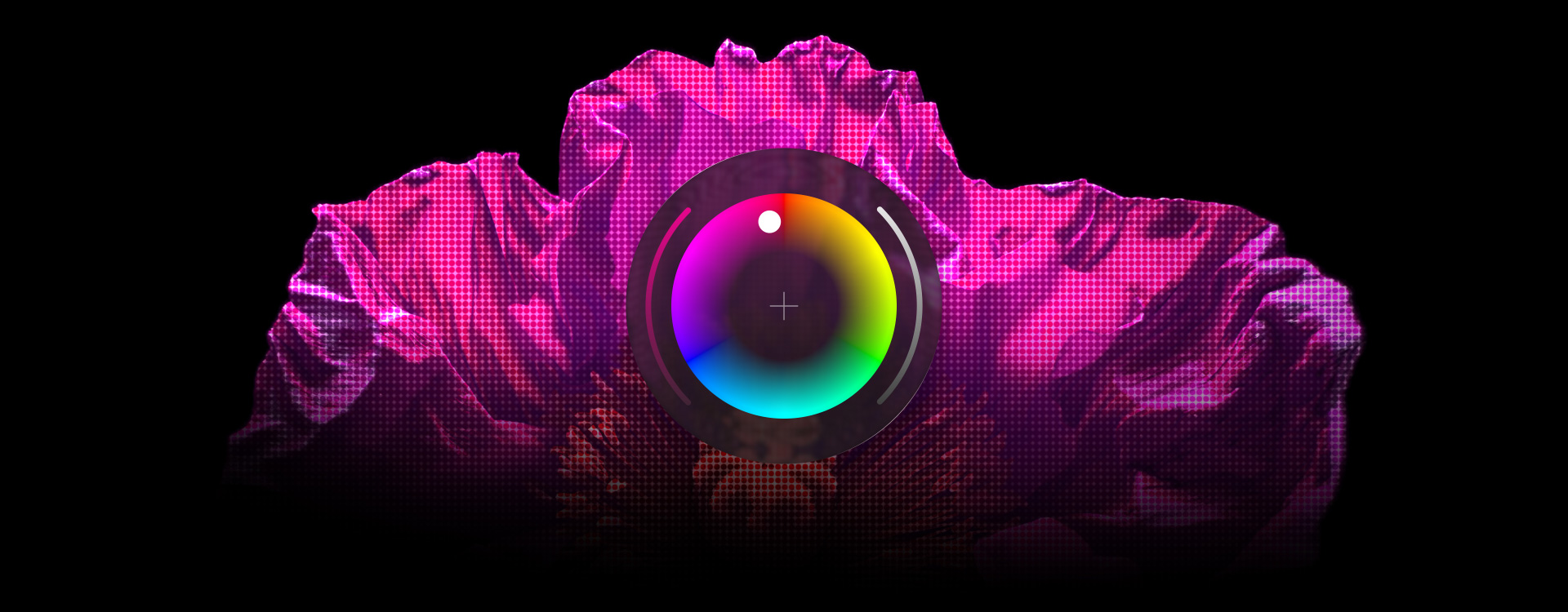
Adjust colours with incredible precision.
Advanced tools and adjustment layers let you edit colours by range or selection, then refine individual colours to create perfectly polished palettes and?tones.

-
In-telli-gent masking.
The Select and Mask feature lets you detect edges — even fine details like hair or fur — and creates a clean mask for you, eliminating the tedious step of tracing subjects manually.

-
Full support for RAW photos.
Add RAW photos as layers to edit them directly without having to convert or pre-process?them.

-
Easy video retouching.
Work with video layers the same way you do with images, making it simple to mask or crop videos, change colours and?more.


-
Scale with stunning clarity.
Super?Resolution analyses your image and automatically scales up the resolution so it stays sharp. And it can even enhance details so your image looks just as clear when it’s?bigger.

-
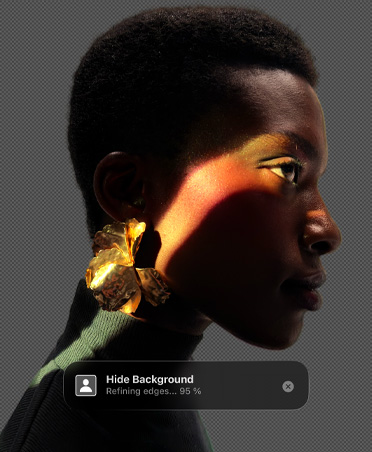
Remove backgrounds with just a click.
Effortlessly isolate your subject or hide the background with a mask you can adjust?anytime.
-
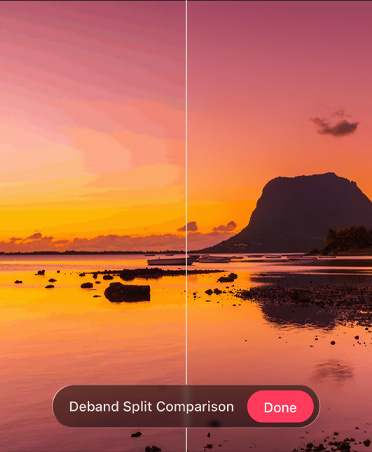
Quickly improve image quality.
With Deband, you can smooth out gradients and remove compression artefacts while keeping smaller details?intact.
-
Auto Enhance.
Get a head start with photo edits that are automatically applied, then refine further with your own?ideas.

-
Find the best crop, fast.
Auto?Crop suggests the best way to frame your photo and Auto Straighten levels it out for you. You can also pick from ready-made sizes to fit your photo’s aspect?ratio.

-
Repair tool.
Quickly remove dust, blemishes, distracting details — even entire objects — to perfect your?images.


-
Clone stamp tool.
Easily copy pixels to remove distractions, repair areas or replicate textures, so you can get the image you?imagined.

-
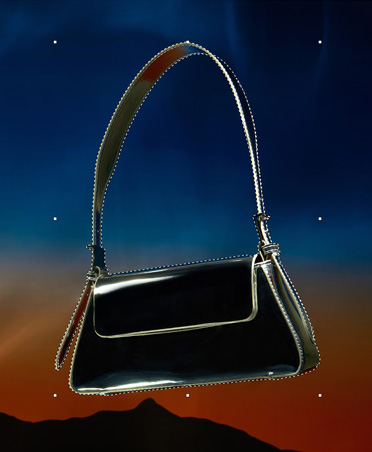
Smarter selection tools.
Select a subject with ease. Or use a wide range of tools that allow you to isolate and edit specific areas with a?single?click.
-
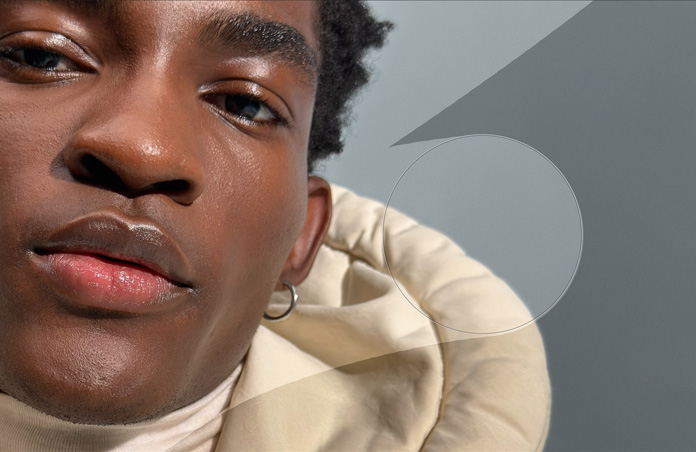
Brush-based retouching tools.
Refine parts of your image with brushstrokes that brighten, darken, sharpen, soften, saturate, desaturate and?more.
-
Selective Clarity.
Enhance your image precisely by adjusting clarity and texture in shadows, mid-tones and highlights.

-
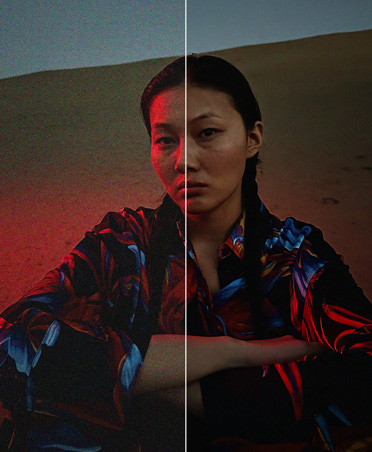
In-telli-gent Denoise.
Remove camera noise from photos faster and more easily than?ever.


-
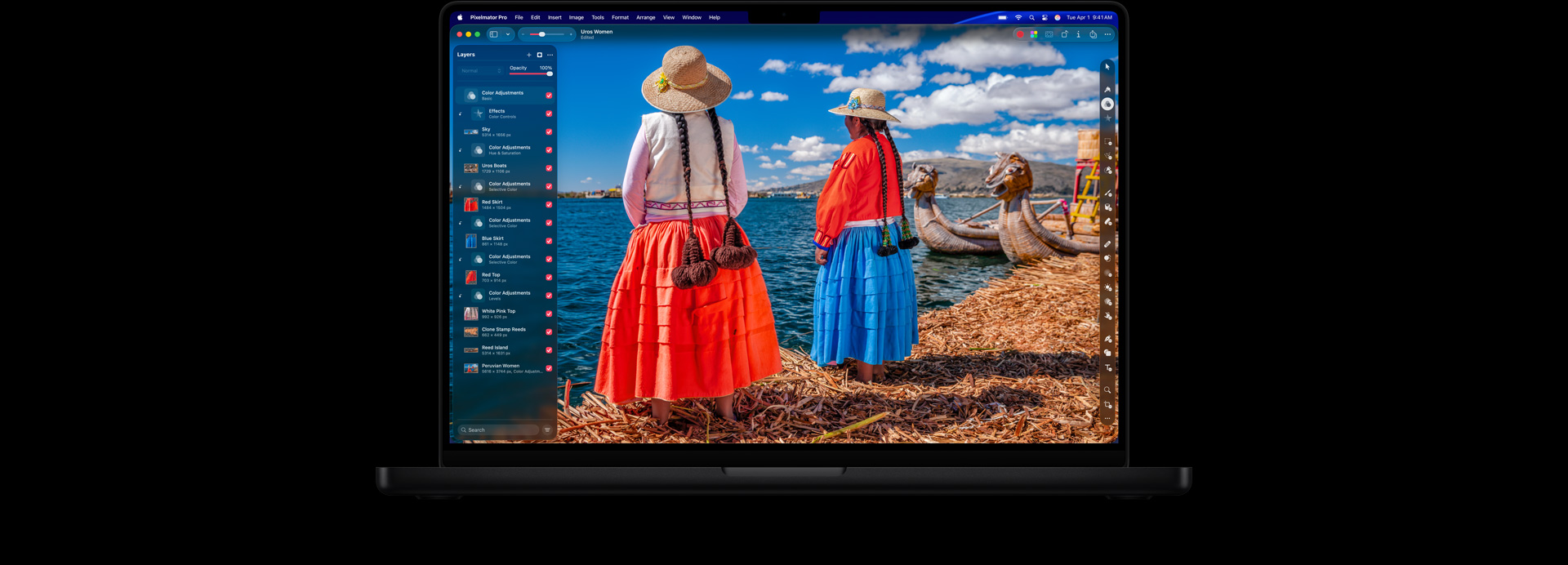
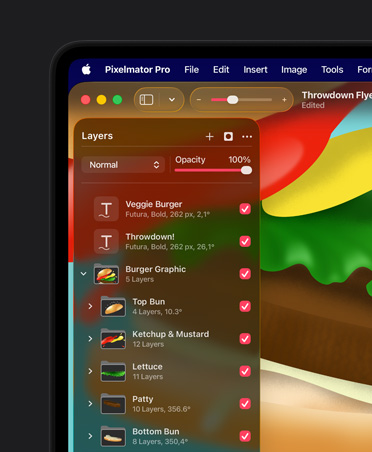
Layer-based editing.
Organise your visual creations into layers for easier workflows, and make non-destructive changes and edits to complex projects.
-
Warp tool.
Push and pull a specific area of an image in any direction. Fix subtle imperfections or dramatically transform any?image.

-
Smart Guides.
The Arrange tool quickly and intelligently snaps your layers into position as you move them around. It even lets you align and distribute layers automatically.

-
Beautiful templates and mockups.
Start working from stunning templates, including content for social media and print. Drag and drop images onto shirts, mugs or other predefined objects to help you visualise the real?life look and feel of your?designs.

-
Customisable workspace.
Move sidebars, reimagine your list of tools, choose one of the built?in workspaces or create your?own.

-
Broad file support.
Pixelmator?Pro supports a wide range of raster, vector, video and photo files, including over 750 RAW?formats.


-
Pre-made shapes.
Add a variety of ready-to-use shapes to your compositions and adjust their size, colour and style in?seconds.

-
Draw shapes from scratch.
The Pen tool lets you precisely draw vector shapes and paths by adding sharp or smooth anchor points. And you can draw freely, just as you would with a pencil on?paper.

-
Path Type tool.
Let your text follow any shape, or use Circular?Type to create perfectly curved and circular?text.

-
Typography design.
Customise typefaces, sizes and colours. Adjust emphasis, refine alignment and spacing, and tap into advanced typography features like ligatures and?glyphs.

-
Vector file format support.
Pixelmator?Pro supports PSD, SVG, PDF, Adobe Illustrator and Illustrator EPS, so you can edit shapes and paths in any of these files, then export them while keeping their vector?data.

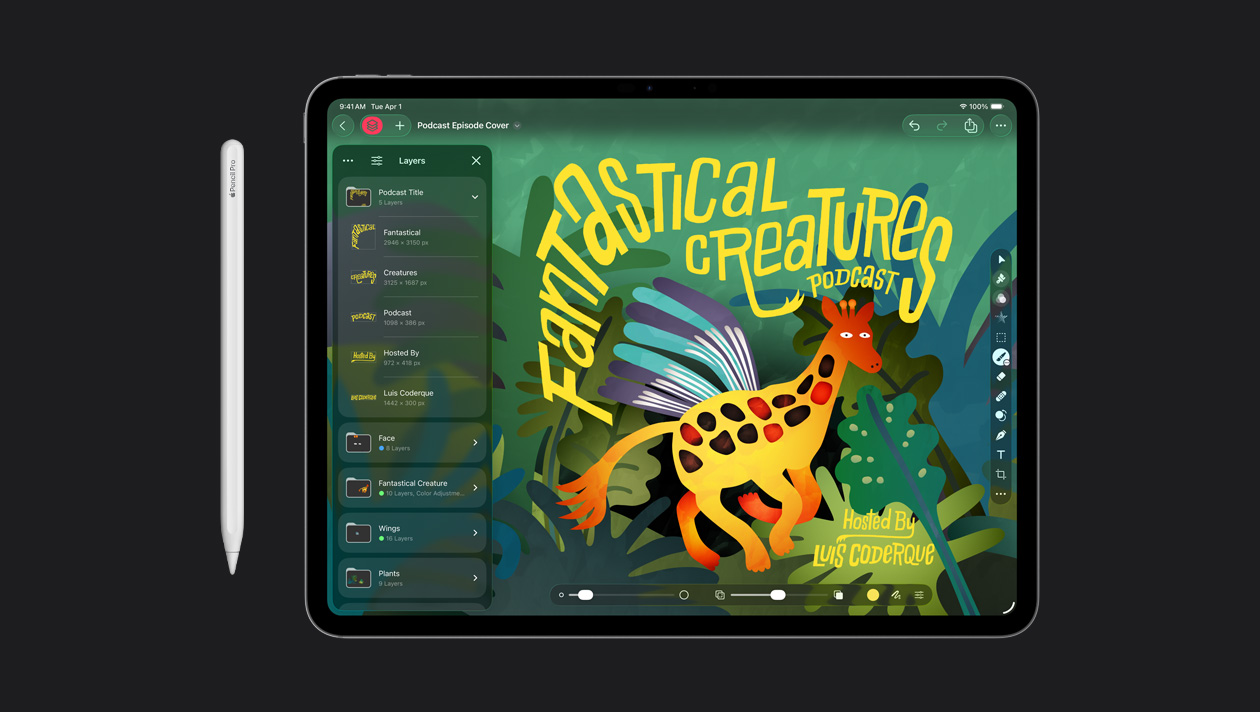
With on-canvas controls and a fully customisable workspace, you’ll have just what you need to create desktop-grade designs using familiar gestures like tap, pinch and?swipe.
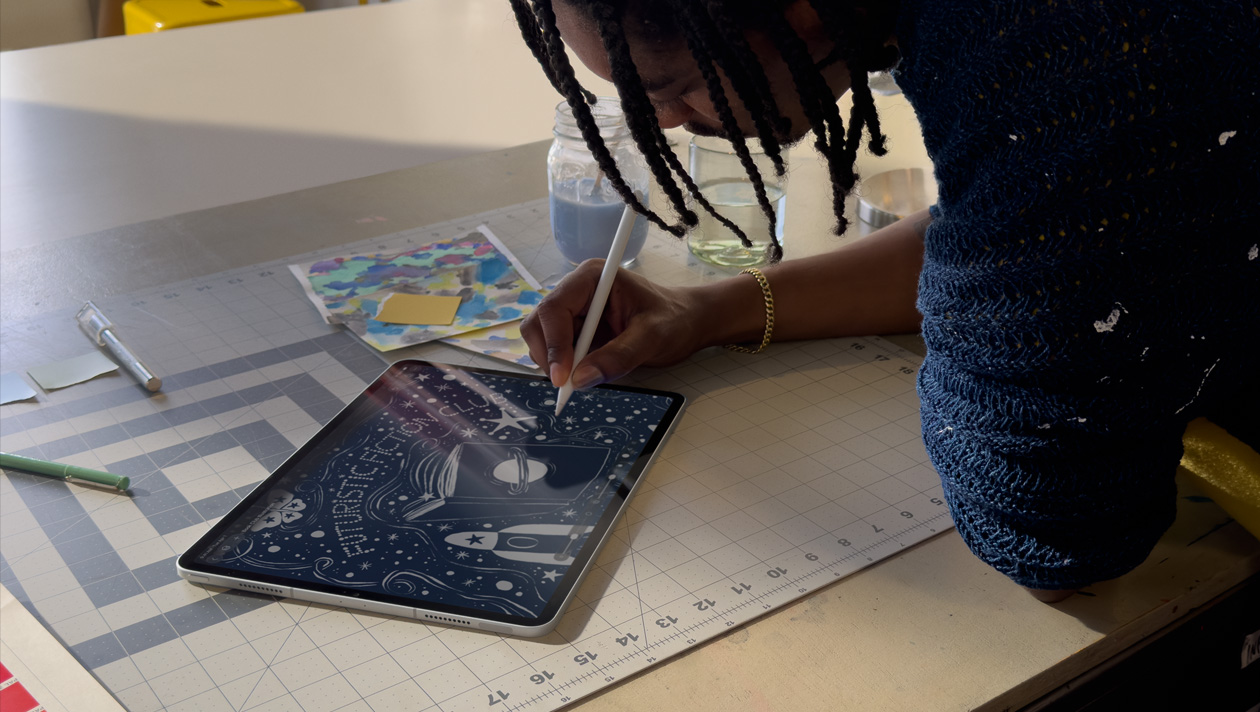
Native support for Apple?Pencil gives you precision edits and pressure sensitivity so you can create?naturally.3

Switch between working on Mac and iPad — with every edit seamlessly synced across?devices.4

Easily copy layers on your Mac and paste them on iPad — or vice versa — using Universal?Clipboard.
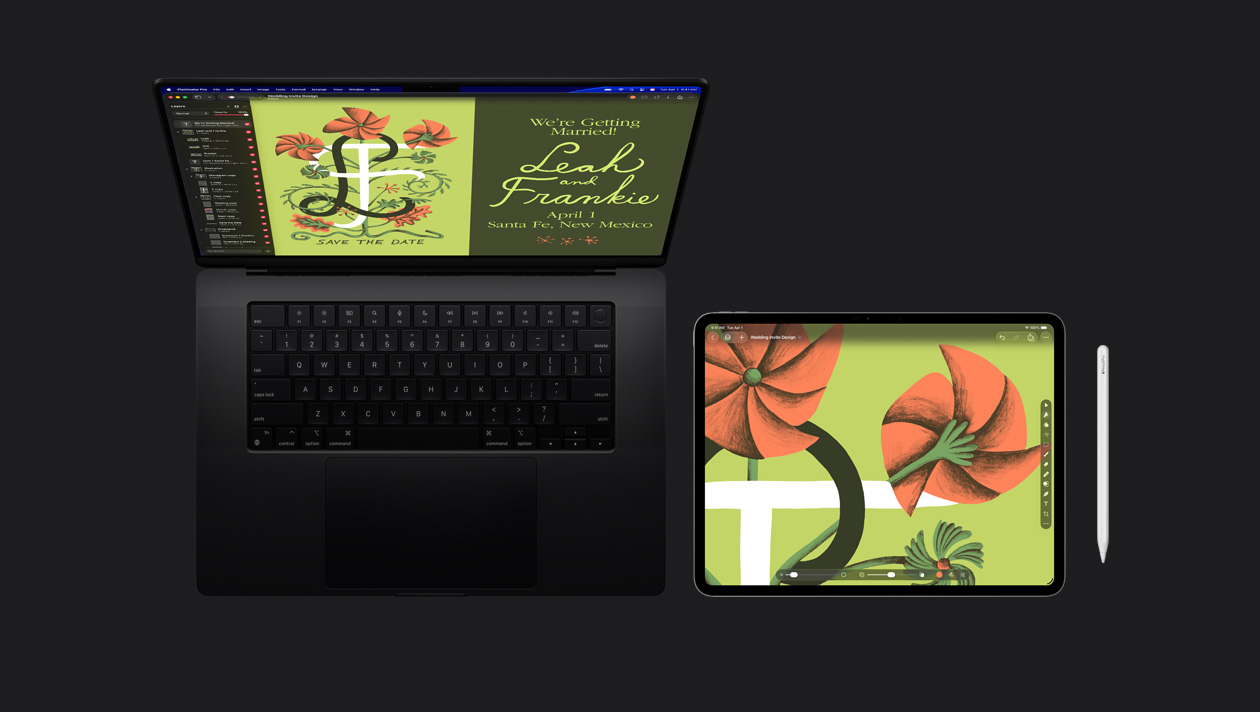
Use one keyboard and mouse across your Mac and iPad, drag files between screens, and keep edits in sync as you move between?devices.
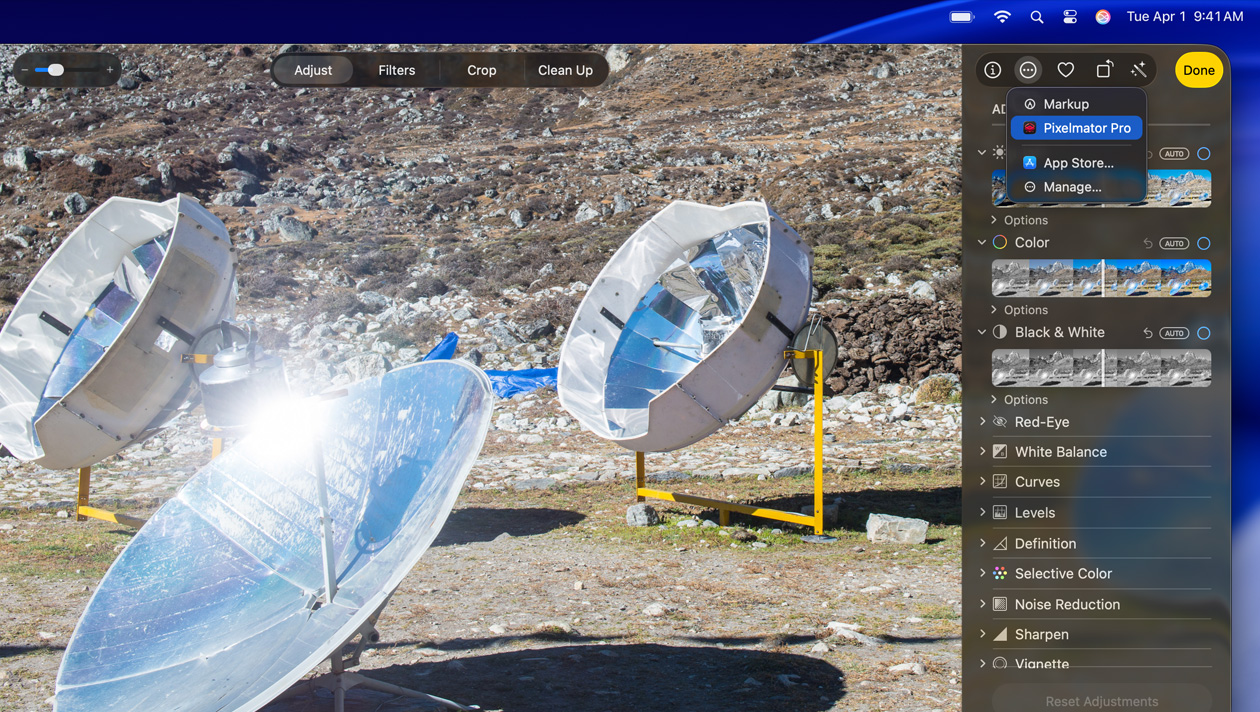
Harness the full power of Pixelmator?Pro directly in the Photos app — turning it into a complete editing studio where you can work on libraries of photos, organise albums, and?more.